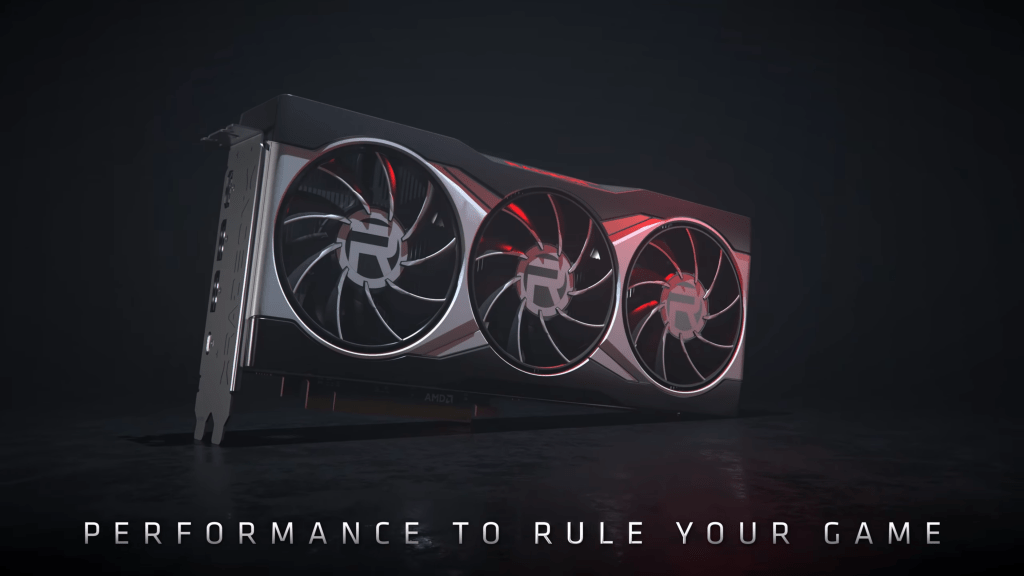
Ever wondered how your smartphone handles intense games like PUBG, Free Fire, or even smooth Instagram filters? It’s all thanks to a tiny but powerful piece of hardware inside your device — the GPU, also known as the Graphics Processing Unit.
What is a Mobile GPU?
A GPU is like the brain of visual performance. While the CPU handles your apps and background tasks, the GPU is in charge of anything visual — from animations and video playback to photo rendering and high-end gaming graphics.
In smartphones, GPUs are designed to be power-efficient but still fast enough to deliver great visuals. They are usually part of the SoC (System-on-Chip), alongside the CPU, modem, and NPU.
How Does It Work?
When you play a game or scroll through TikTok, your phone needs to draw things quickly and smoothly on the screen. The GPU handles this by:
- Rendering 2D and 3D graphics
- Processing video and image filters
- Drawing user interfaces and animations
- Handling shaders and effects in games
The GPU does this by breaking down visuals into tiny pieces called pixels and processing them in parallel. That means it can handle thousands of tasks at once, which is perfect for gaming and high-res displays.
Popular Mobile GPUs in 2025
- ARM Immortalis-G925: Found in the Xiaomi Xring O1 chipset, supports ray tracing and 16 cores of GPU power.
- Adreno 830: Used in Snapdragon 8 Gen 4 chips, built for high-performance gaming and HDR graphics.
- Mali-G720: Common in MediaTek chips, optimized for balance between speed and battery life.
- Apple GPU: Custom-designed in Apple’s A18 chips, pushing limits in mobile gaming and video editing.
GPU vs CPU – What’s the Difference?
The CPU (Central Processing Unit) is like a manager — good at doing many different tasks one at a time. The GPU is more like a team of workers all doing the same task at once — perfect for handling thousands of pixels and visual tasks in real-time.
Why It Matters to You
If you’re into mobile gaming, content creation, or even just love smooth performance, the GPU plays a huge role in how enjoyable your phone feels. A stronger GPU means:
- Smoother games with higher frame rates
- Better photo and video quality
- Cooler AR filters and animations
- Support for higher screen resolutions and refresh rates
Tips for Getting the Most from Your Mobile GPU
- Keep your apps and games updated for better optimization.
- Close background apps while gaming to free up GPU power.
- Use game mode (if available) to boost performance.
- Avoid overheating by taking breaks during long gaming sessions.
Conclusion
Mobile GPUs might be small, but they do big things. Whether you’re gaming, editing, or just scrolling through social media, your GPU is working hard behind the scenes. The next time your game runs smooth and lag-free, thank your phone’s GPU!
Author: Israel
Blog: CodersBlog – Your daily dose of teen tech and gadgets





 codersblog.com
Leave a comment